
Products / Radiators and heaters / Titan and Crystal / Installation
Installing Titan and Crystal
Fitting steps, clearances, plugging in, app pairing and error codes for both heaters.
Titan and Crystal hang on one bracket. Mark four holes with the template, fix the bracket, hook the heater on and lock it, then plug it in. Leave 100mm clear on every side and mount it at least 100mm above the floor.
What's in the box
Both models come with everything you need to hang them on a solid wall.
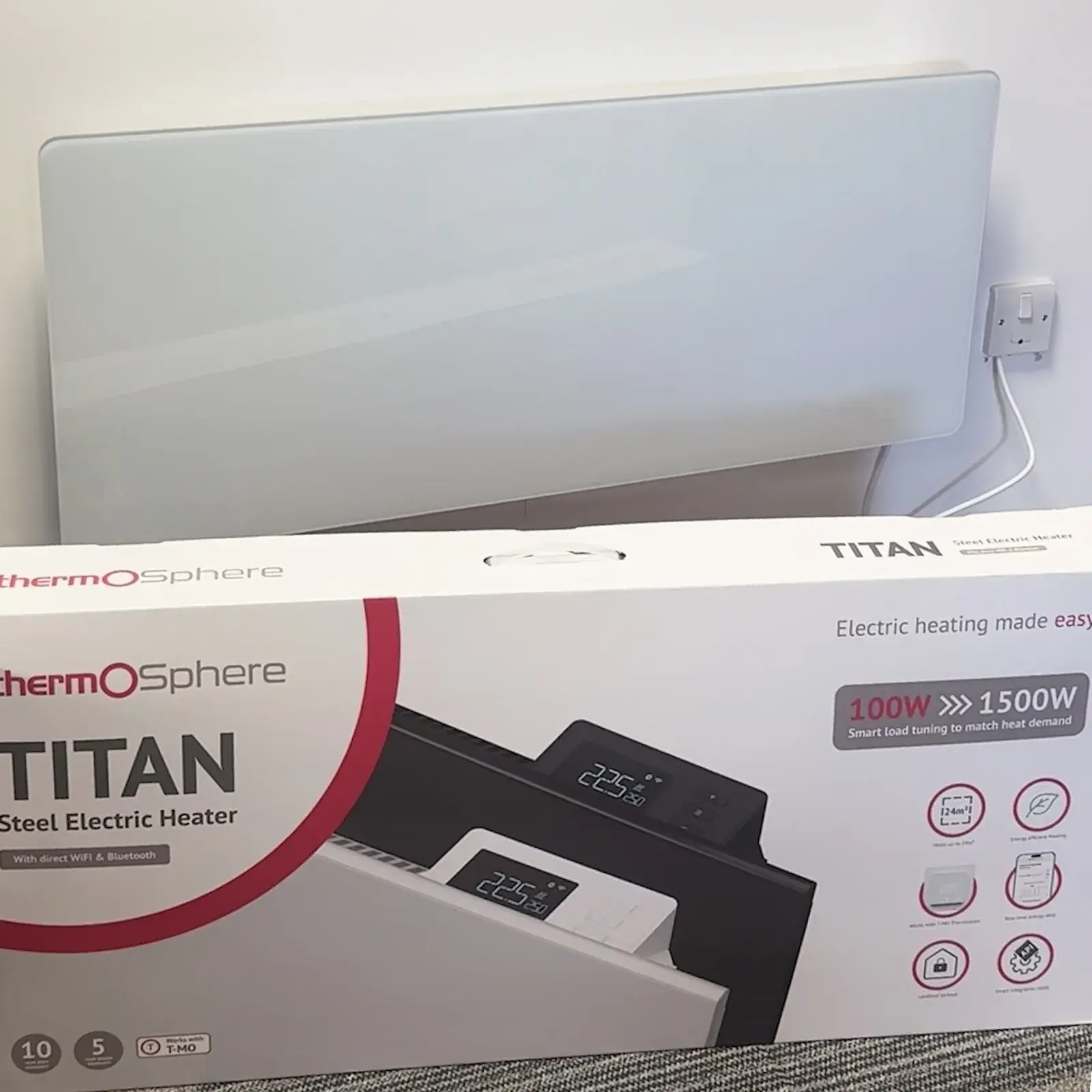
Heater
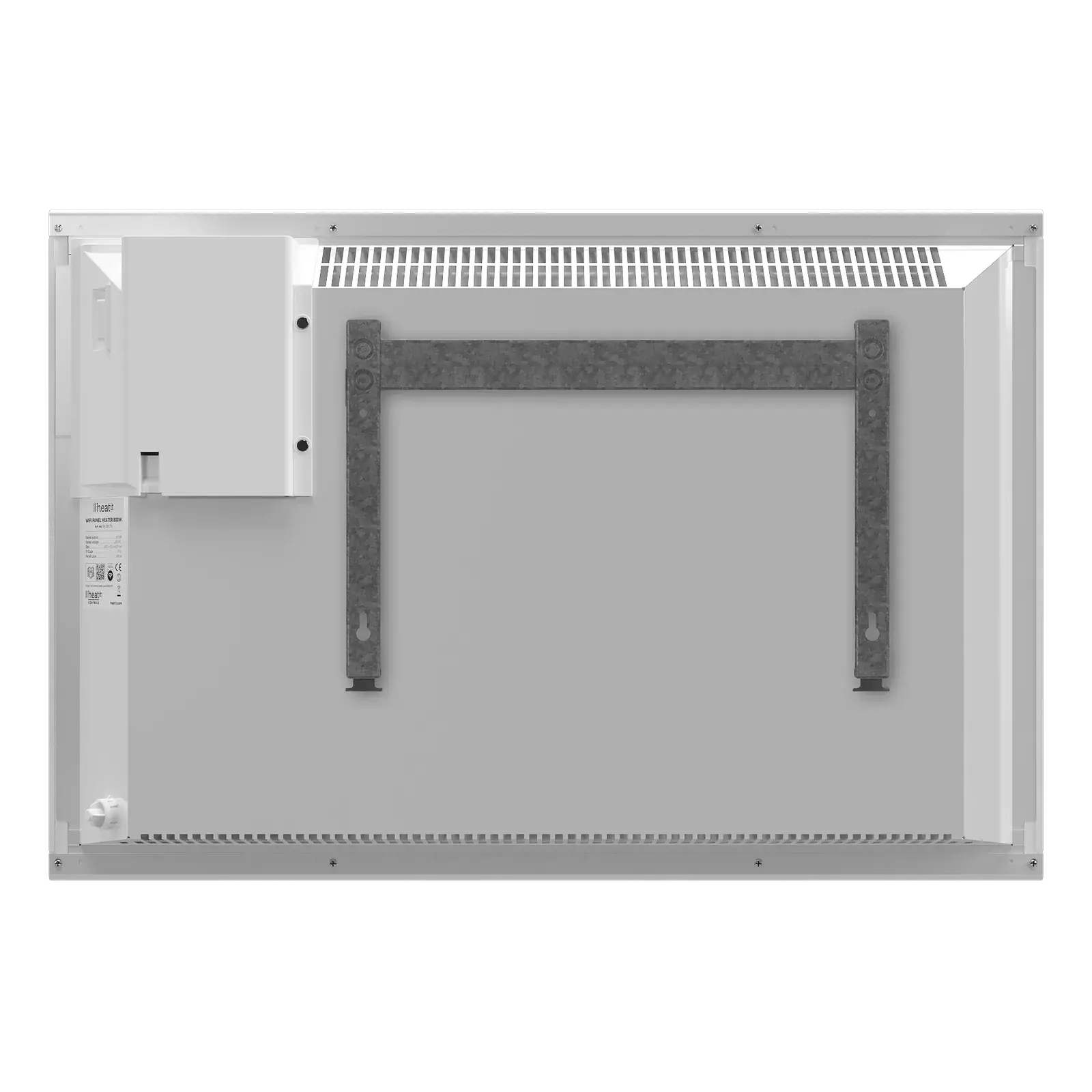
Mounting bracket
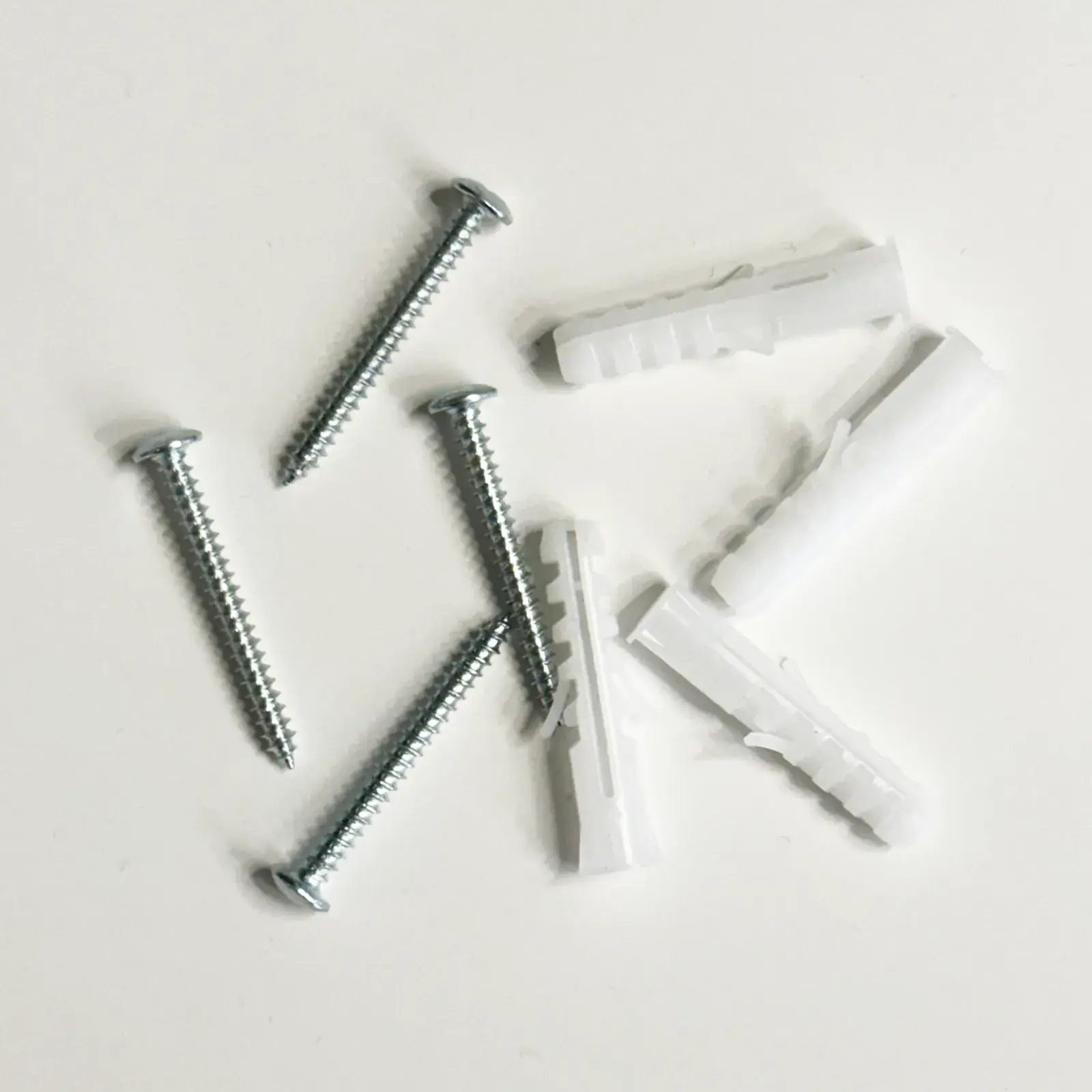
Screws & plugs
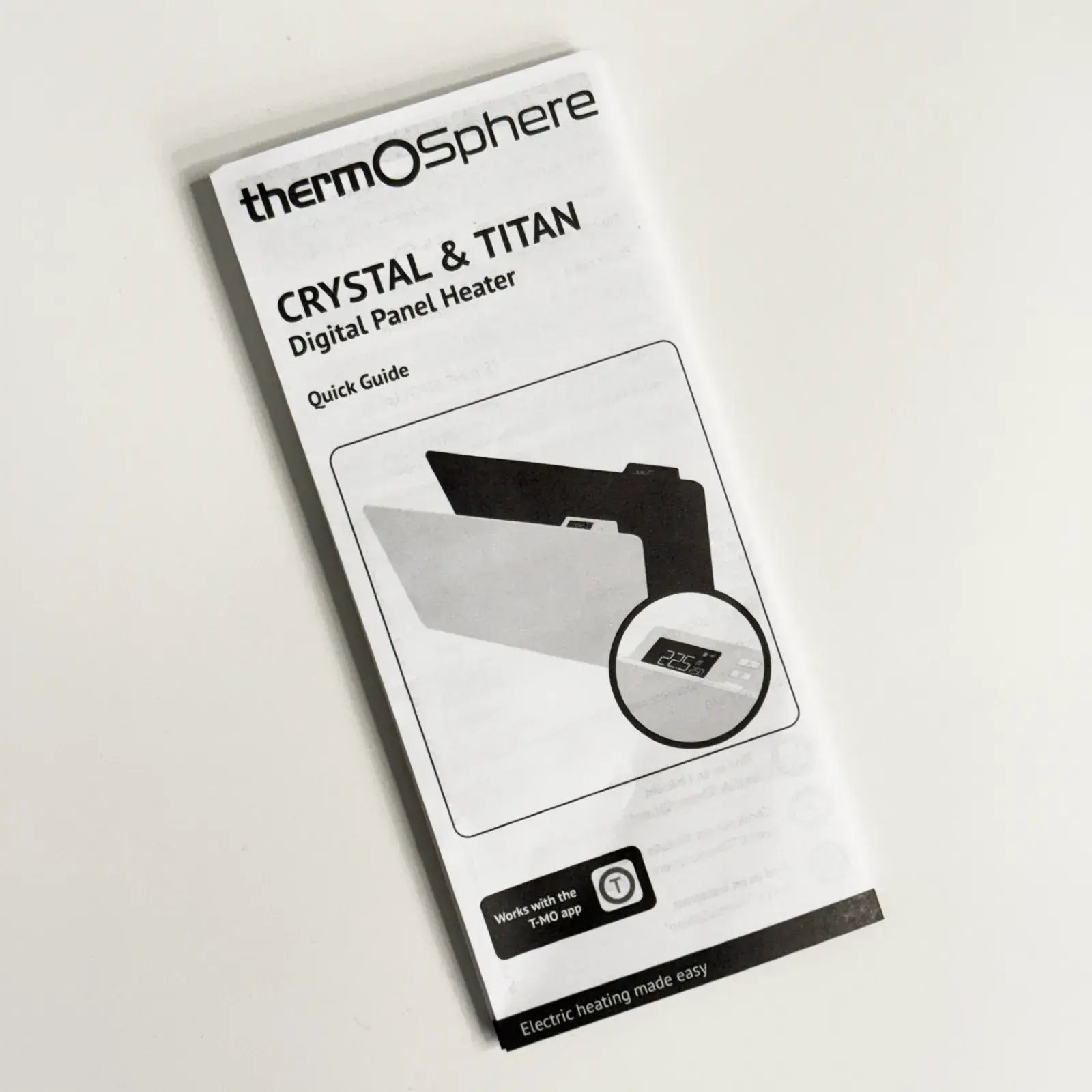
Quick quide
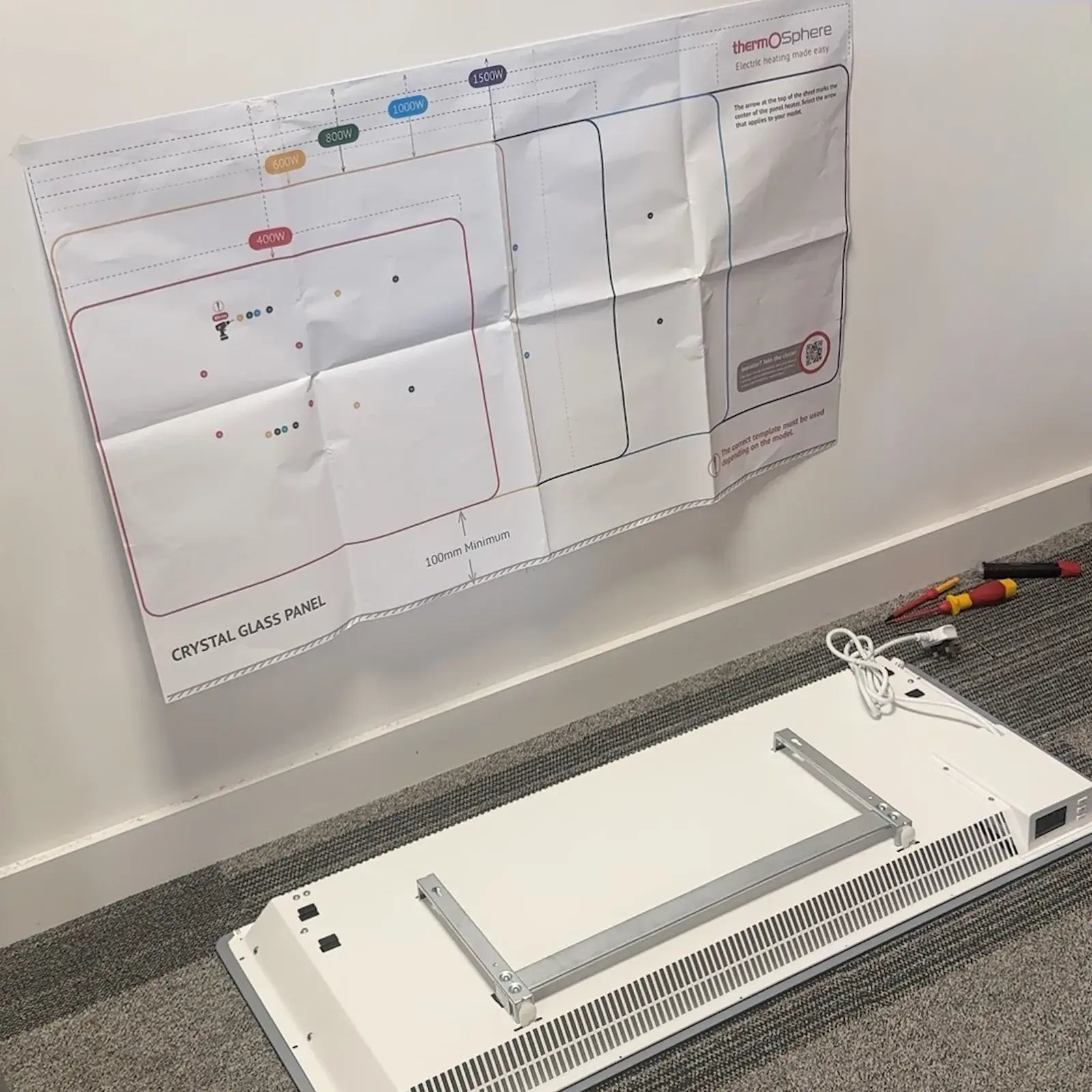
Bracket template
Before you start: where it can go
Titan and Crystal are for wall mounting indoors only. Check these before you mark the wall.
100mm
clear on every side of the heater
100mm
minimum height above the floor
250mm
from objects that block airflow
1m
from curtains and fabrics
- Not directly above or below a socket, under a shelf, touching cables, or outside.
- Not on a timer. Plug it straight into the socket, not through a timer or switched adaptor.
- Check for cables and pipes before you drill, and make sure the wall can take the heater's weight.
- The 3 pin UK plug can be cut off and hard wire if preferred, but you will not be able to return it for resale, as this voids the warranty.
Fitting the heater
Seven steps, the same for every size.
- Unpack and check you have the heater, bracket, screws, wall plugs and template.
- Choose the spot. The 1.2m cable and plug leave the right-hand side, so you need a socket within reach, but not directly above or below the heater. Keep 100mm clear on all sides and fabrics 1m away.
- Mark the four fixing holes with the template. Measure from the floor, not the skirting board.
- Drill four 8mm holes. Using other fixings? Size the holes to suit and check the wall can take the weight.
- Fix the bracket level with the screws and plugs supplied.
- Sit the bottom of the heater on the bracket, then push the top back until it hooks on.
- Turn the lock 90° to secure the heater to the bracket.
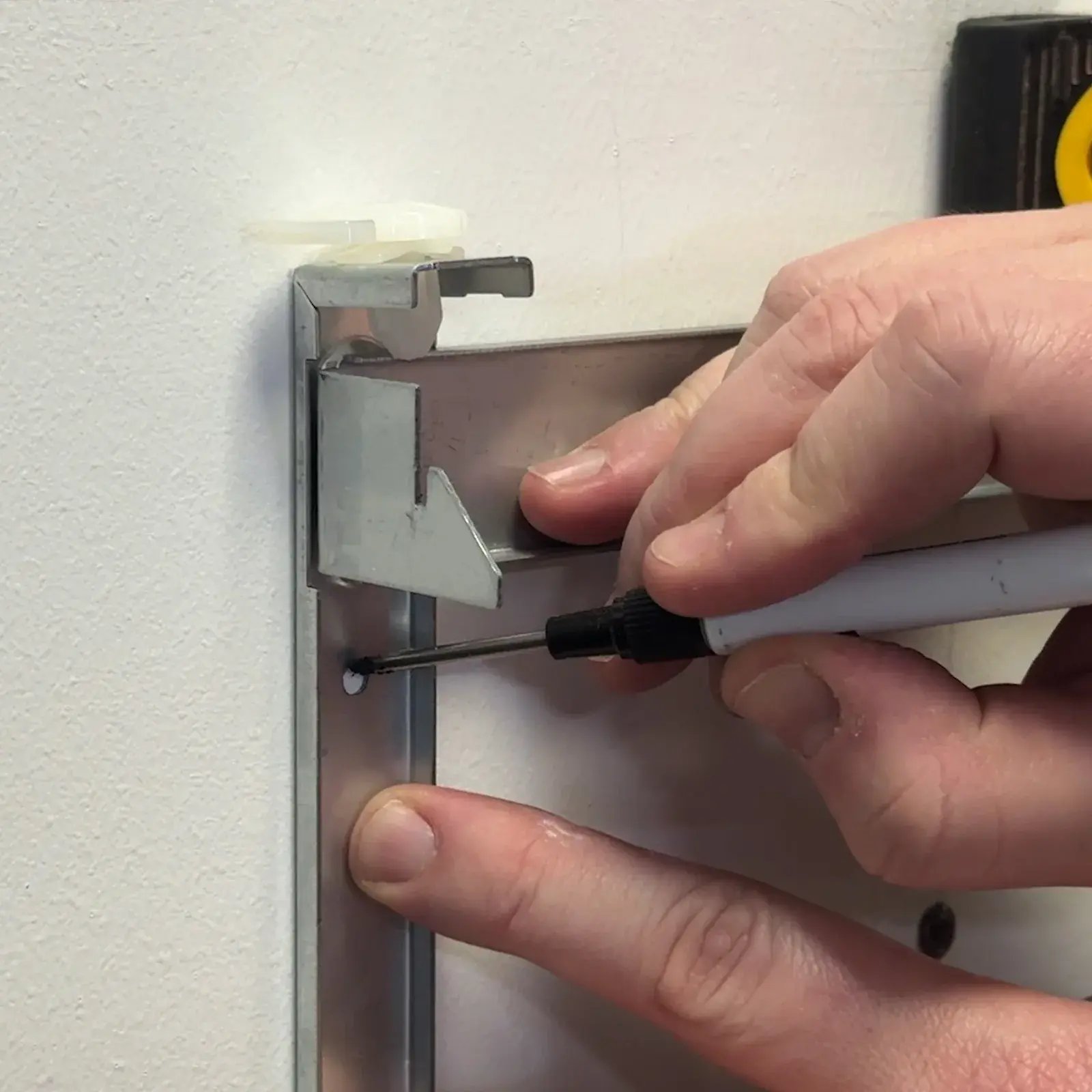
Step 3: mark the four fixings
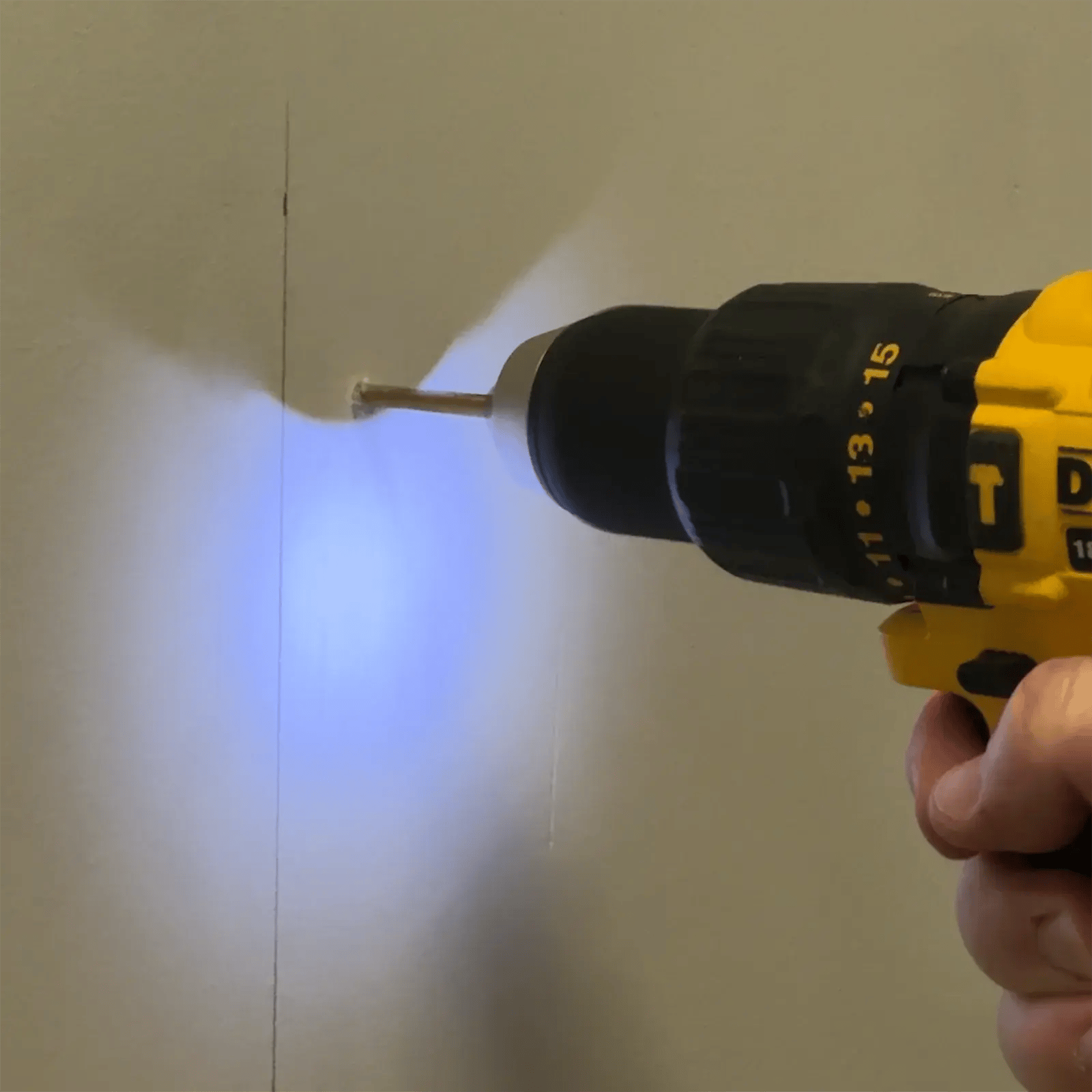
Step 4: drill the 8mm holes
Step 5: fix the bracket
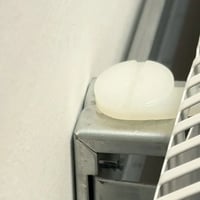
Steps 6 and 7: hook on and lock
Connecting the power
Titan and Crystal come with a UK 3-pin plug on a 1.2m cable from the right-hand side of the heater, so there is no hard wiring.
- Make sure the heater is locked onto its bracket before you plug it in.
- Plug straight into a 230V socket. Don't use a timer, a switched adaptor or a circuit the utility switches on and off.
- Switch on at the socket, then at the switch on the right-hand side of the heater.
- If the display doesn't come on, check the socket, the plug fuse and the switch on the heater.
The circuit must have capacity for the heater's full rated load.
Set up
Pair it with the T-MO app
For the first 60 minutes after power-up the heater is already in pairing mode, so pair it before you leave site.
- Download the T-MO app on iOS or Android and switch Bluetooth on.
- Create an account and a property in the app.
- Press Add Device and choose Wi-Fi or Bluetooth. Wi-Fi is needed to control the heater away from home, and it must be a 2.4GHz network.
- Pick the heater from the list, or scan the QR code on its side.
- When it connects, the heater shows INCL and the Wi-Fi icon.
More than 60 minutes since power-up? Hold the menu button for 5 seconds, press minus to CON, press menu to see APP flashing, then hold menu until the icon rotates.
Error codes
What the display means, and what to do.
| Code | Meaning | What to do |
|---|---|---|
|
ERR
|
App connection failed
|
Factory reset and add it again. Check the Wi-Fi details, that the network is 2.4GHz, that Bluetooth is on and the app is up to date.
|
|
ERR1
|
Internal error
|
Switch the power off and on. Contact support if it persists.
|
|
ERR2
|
Network error
|
Switch the power off and on. Contact support if it persists.
|
|
ERR3
|
Internal sensor error
|
Switch the power off and on, then factory reset. Contact support if it persists.
|
|
ERR6
|
Overheat detected
|
A safety cut-out. Switch off and let the heater cool, switch on again, then factory reset. Contact support if it persists.
|
|
ERR7
|
Overload detected
|
A safety cut-out. Switch off and let the heater cool, switch on again, then factory reset. Contact support if it persists.
|
Still showing an error? Call technical support on 01622 689 440.
ERR: App connection failed
Factory reset and add it again. Check the Wi-Fi details, that the network is 2.4GHz, that Bluetooth is on and the app is up to date.
ERR1: Internal error
Switch the power off and on. Contact support if it persists.
ERR2: Network error
Switch the power off and on. Contact support if it persists.
ERR3: Internal sensor error
Switch the power off and on, then factory reset. Contact support if it persists.
ERR6: Overheat detected
A safety cut-out. Switch off and let the heater cool, switch on again, then factory reset. Contact support if it persists.
ERR7: Overload detected
A safety cut-out. Switch off and let the heater cool, switch on again, then factory reset. Contact support if it persists.
Set it up for the room
Load tuning
Match the output to the room
Lower the maximum output in 100W steps, down to 100W, on the heater (LOLI) or in the app. Use it to match room heat loss or stay inside a load limit.
Landlord mode
Lock it down
In the app, cap the output, set minimum and maximum temperatures and disable the buttons. Tenants can only adjust within your limits.
Remote support
Let us take it from here
Your customer grants ThermoSphere 7 days' access in Settings, Support. Send us their times and temperatures and we set the schedule up.
Installation questions
They come with a UK 3-pin plug on a 1.2m cable, so they plug into a standard 230V socket. The 3 pin UK plug can be cut off and hard wire if preferred, but you will not be able to return it for resale, as this voids the warranty.
100mm on every side, at least 100mm above the floor, 250mm from anything that blocks airflow and 1m from curtains and fabrics.
No. Plug it straight into the socket, not through a timer or switched adaptor, and use the heater's own schedule in the T-MO app.
The Wi-Fi network must be 2.4GHz. Check Bluetooth is on and the app is up to date, then factory reset the heater and try again.
Hold plus and minus together for 10 seconds; the display shows LOCK. Do the same again to unlock; it shows OPEN.
Open the settings by holding the menu button for 5 seconds, go to FACT, press menu until you see dashes flashing, then hold menu until you see RES. It resets after 5 seconds.
Check the output hasn't been tuned below maximum, check the maximum temperature limit, and reduce draughts. Heat loss from the room can also be the cause.
Need a hand on site?
Call 01622 689 440, message us on WhatsApp on 07344 307 608, or email support@thermosphere.com. Have the product code, proof of purchase and a photo or video ready.
Installer? Join The Circle
Register your Titan and Crystal installs in The Circle app for accredited training, rewards and job referrals.
